 DropLane
Support
A real person reads every email. Usually a reply within a day.
Email help@droplane.co.uk — and if you write from inside the app (Settings → Get help), your app version and iPhone model come with the message, which usually saves a round of questions.
Setting up
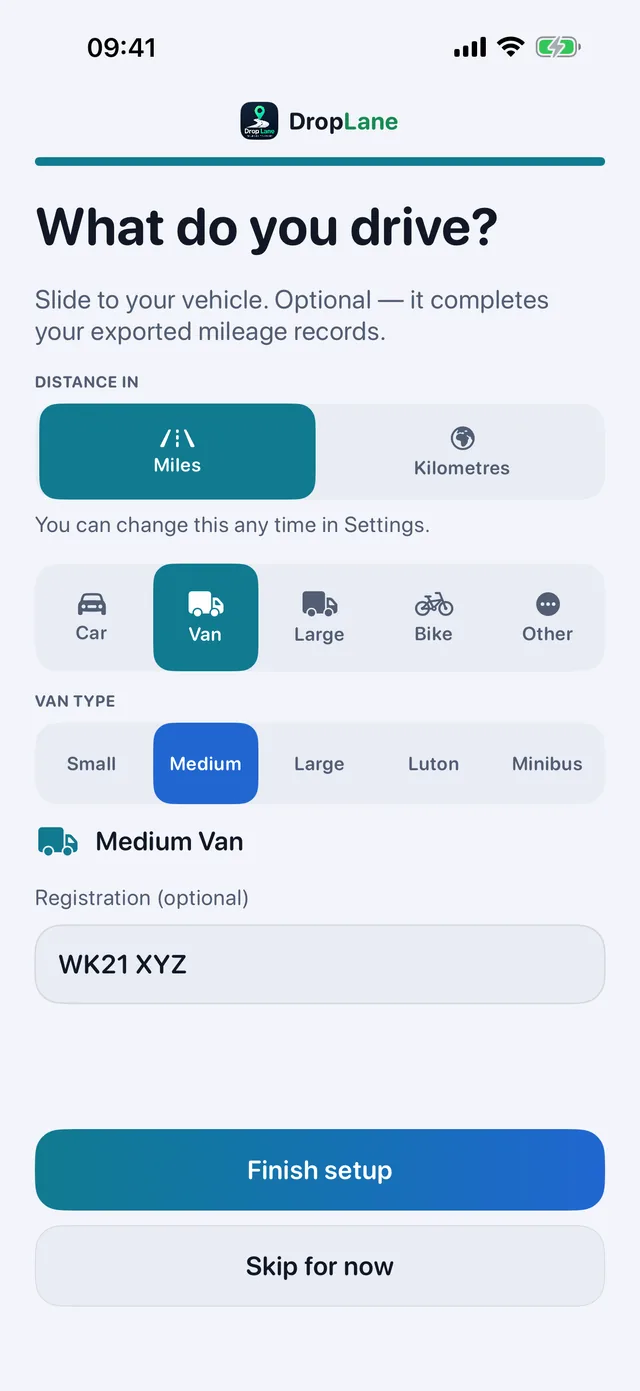
Install the app and allow location in the background. That's the last bit of setup there is. These are the four screens you'll see:
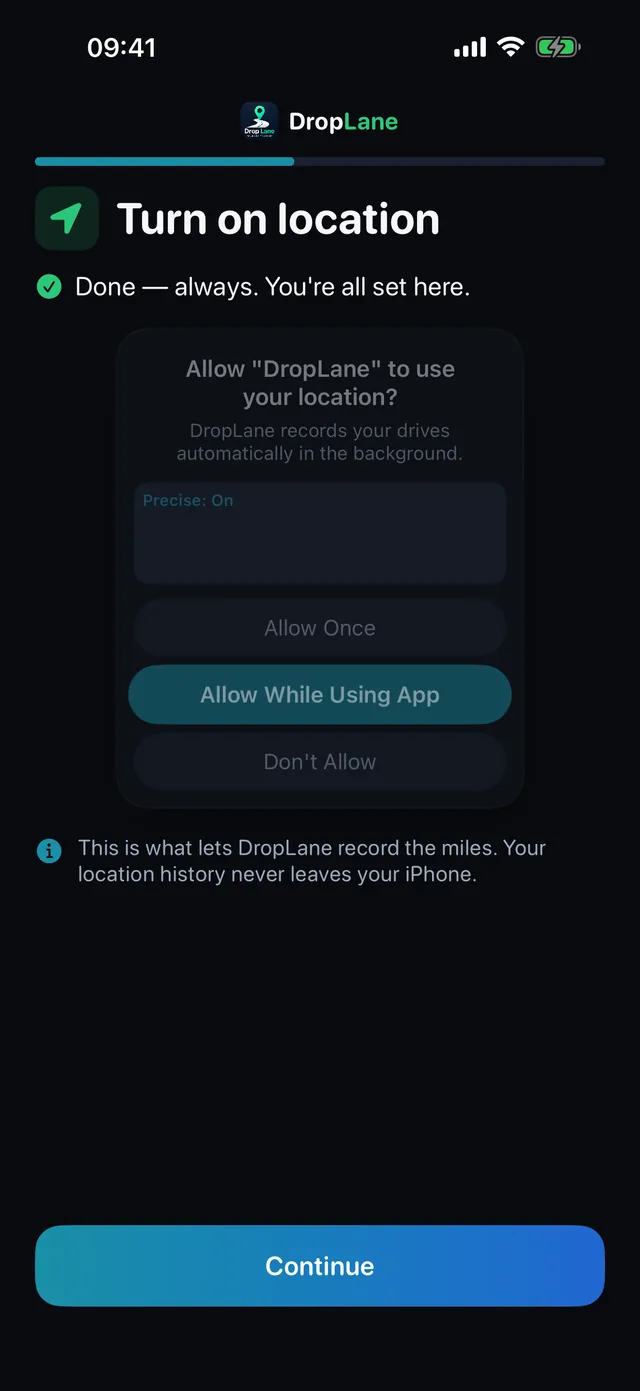
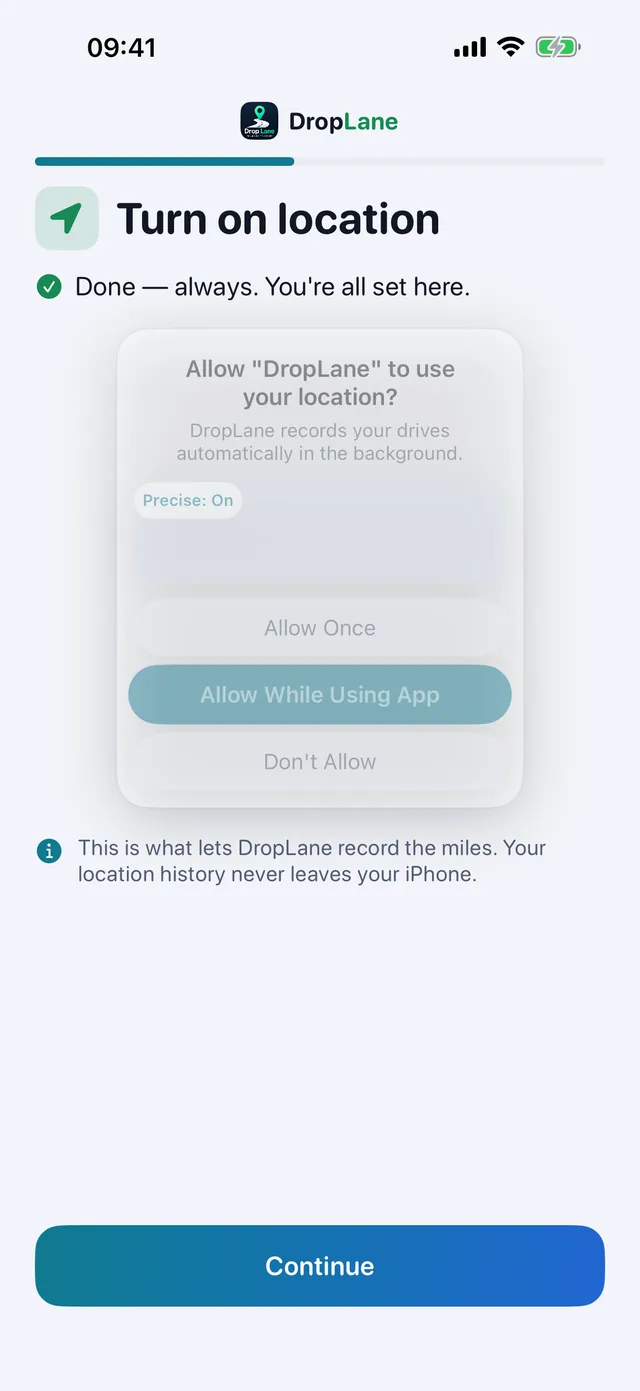
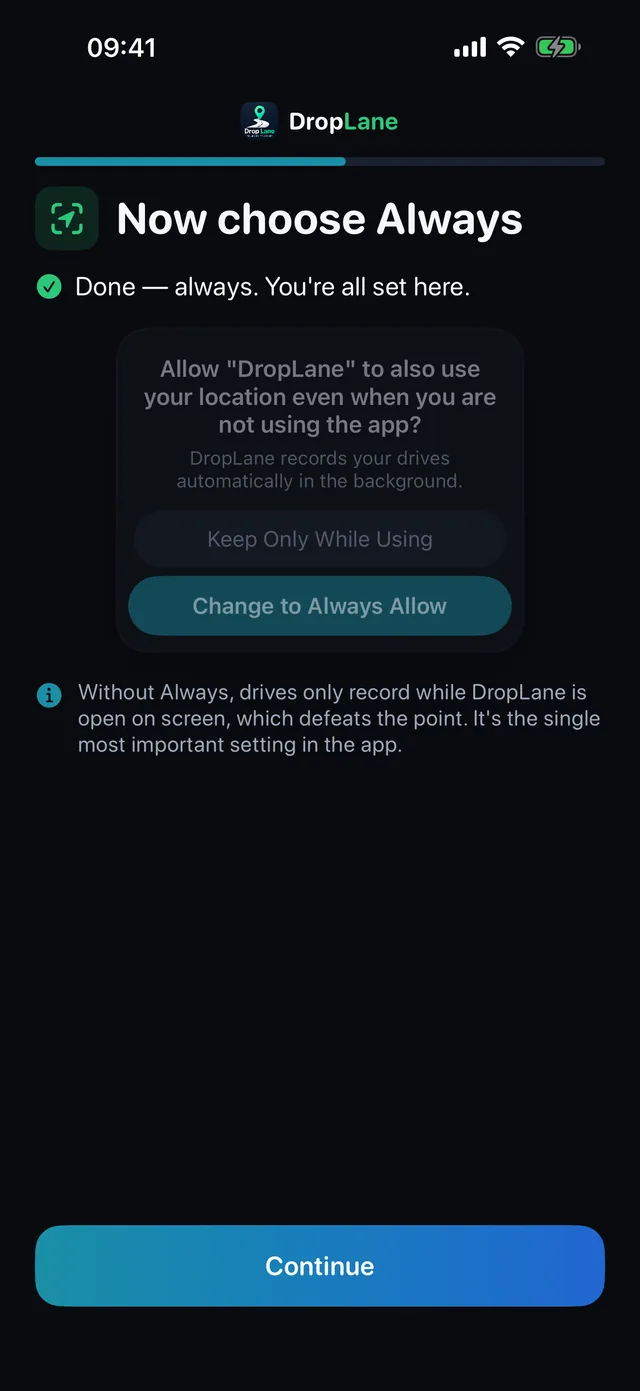
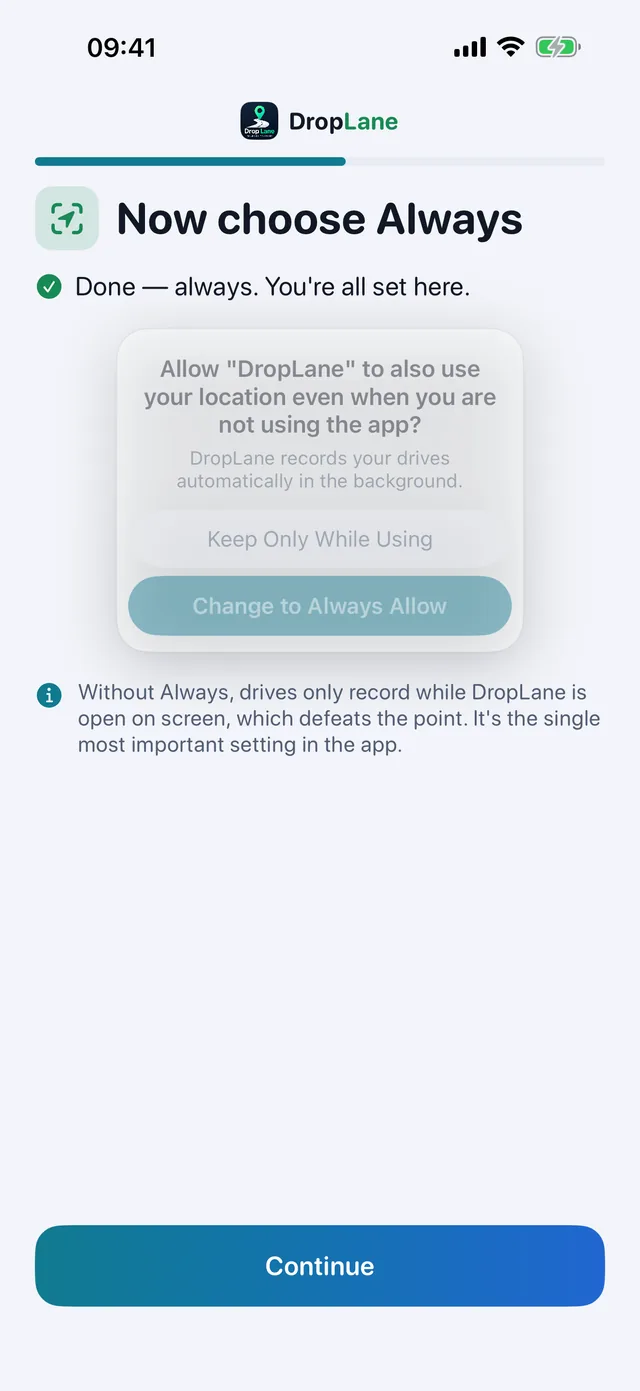
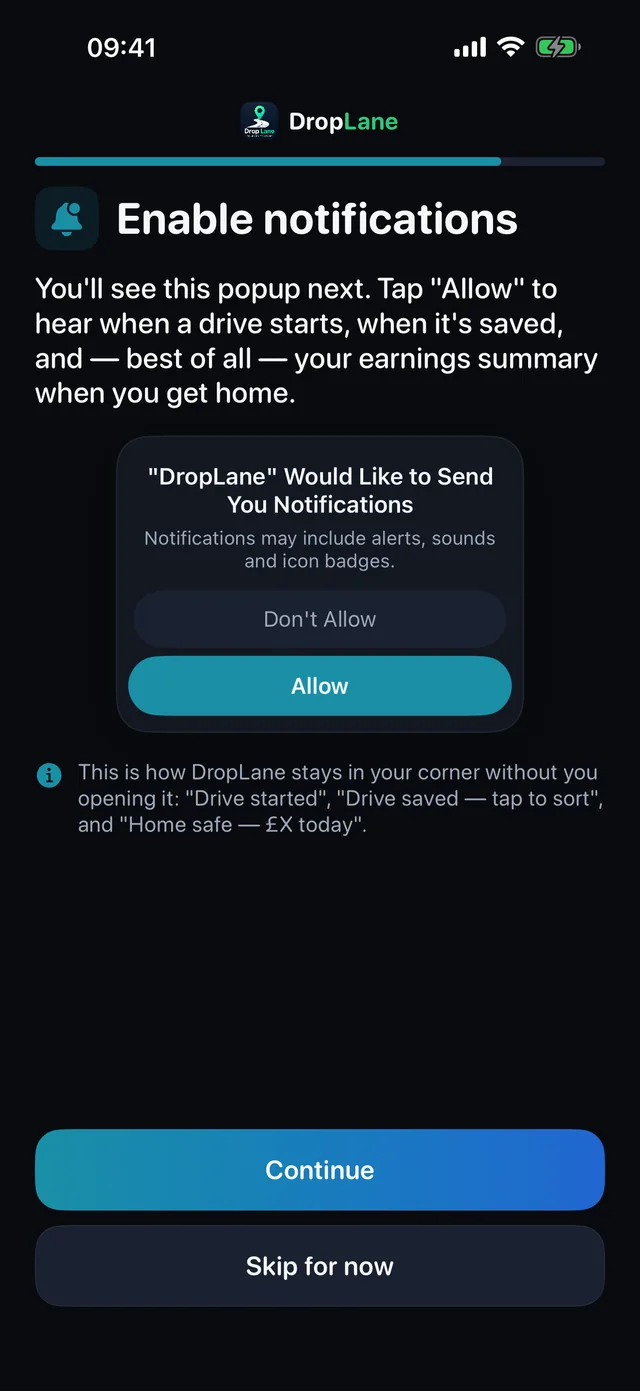
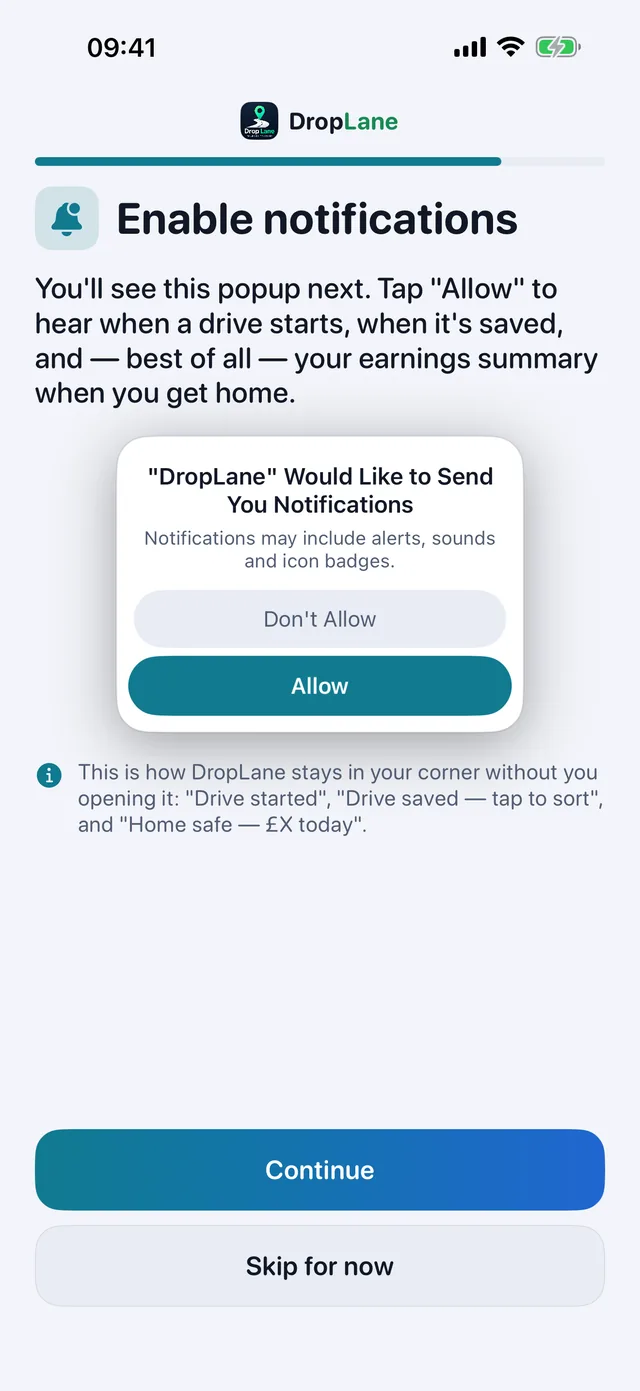
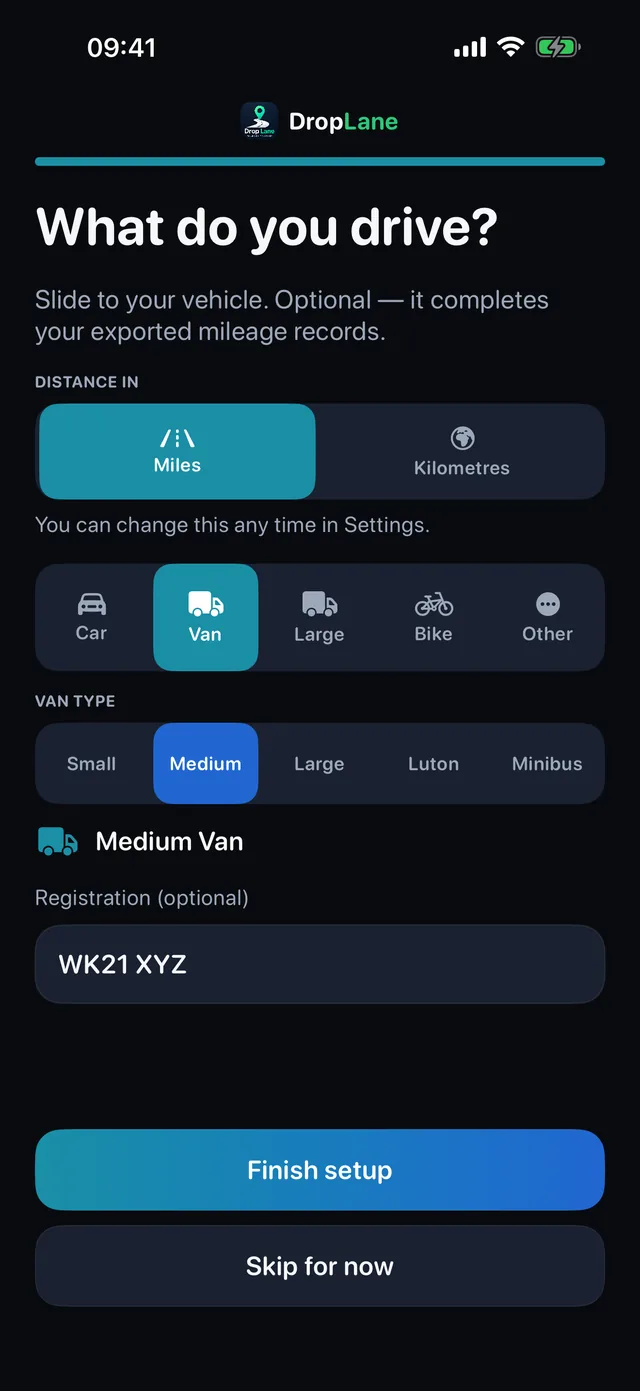
"Always" is what lets drives record with the app closed. Choose "While Using" and iOS will only record while DropLane is on screen, which is not what you want at six in the morning.
While you're driving, a Live Activity keeps the miles climbing on the lock screen, so you can see the drive being recorded without unlocking anything. When a drive ends it lands as a notification with its miles, so there's nothing to check.
The PDF report is built from the Days screen: pick a week, a month or your own dates, tick what goes in, and choose portrait for filing or landscape when the trips table needs the room. Your business name, address and logo sit in the header.
Drives aren't recording at all
Nine times out of ten this is the location permission. DropLane needs Always, not "While Using the App" — with anything less, iOS stops the app the moment you put the phone down, which is exactly when you start driving.
Check iPhone Settings → DropLane → Location, and set it to Always. While you're there, leave Precise Location on: without it, iOS gives the app a rough position that isn't good enough to measure a road.
The start of a drive is missing
Your phone doesn't wake the app the instant the wheels turn. DropLane rings the spot where you parked so it notices you leaving within a street or two, and it credits the distance back to where you set off from. If you are still seeing a chunk missing from the start, tell us roughly where and when — that detail is what makes it fixable.
A drive is short, or split into two
Long stops split a journey: stop for more than about fifteen minutes and the next stretch is saved as a separate drive. Both still count, and you can merge or edit them on the Days screen. Tunnels, underground car parks and areas with no signal can also cost a stretch — the app fills gaps where it safely can, but it will not invent miles it cannot stand behind.
A walk or a passenger trip got recorded
It shouldn't — the app checks how fast the ground is moving before it starts recording, so walking pace never counts. If something wrong does appear, open the trip and delete it, or mark it Personal so it stays out of your work figures.
Battery
DropLane doesn't hold the GPS open all day. It waits quietly until you leave where you parked, records while you're moving, and goes back to sleep when you stop. A full shift should cost noticeably less than running a navigation app. If you're seeing heavy drain, tell us your iPhone model and iOS version.
The mileage rate looks wrong for my country
Every built-in rate is editable: Insights → Tax → the rate, and type your own. The app shows which year each rate was checked. If you find one that's out of date, we'd genuinely like to know — email us the country and the correct figure and it goes into the next update.
Changing the language
Settings → Language. There's a search box: type your language or your country — "Romania" finds Română. The app doesn't need to restart.
Subscriptions, billing and refunds
Manage or cancel in iPhone Settings → your name → Subscriptions. Billing and refunds are handled by Apple at reportaproblem.apple.com — we can't process refunds ourselves, but email us and we'll help you sort it.
Getting your records out
Days → the report card produces a PDF with your drives, routes and totals, and there's a CSV export in Settings. Both are yours to keep, with or without a subscription.
Still stuck
Write to help@droplane.co.uk. Tell us what you expected and what happened instead — and the date and rough area of the drive if it's about tracking. That's usually enough to find it.