 DropLane
Automatic mileage · Real profit · Real hourly rate
Know what the day really paid.
DropLane records every drive automatically, subtracts your costs and shows what you actually kept.
14 days free · No account · Cancel anytime See how it works ↓
- Records drives automatically
- Location stays on your iPhone
- Built by a courier with 10+ years on the road
- 46 languages, every currency
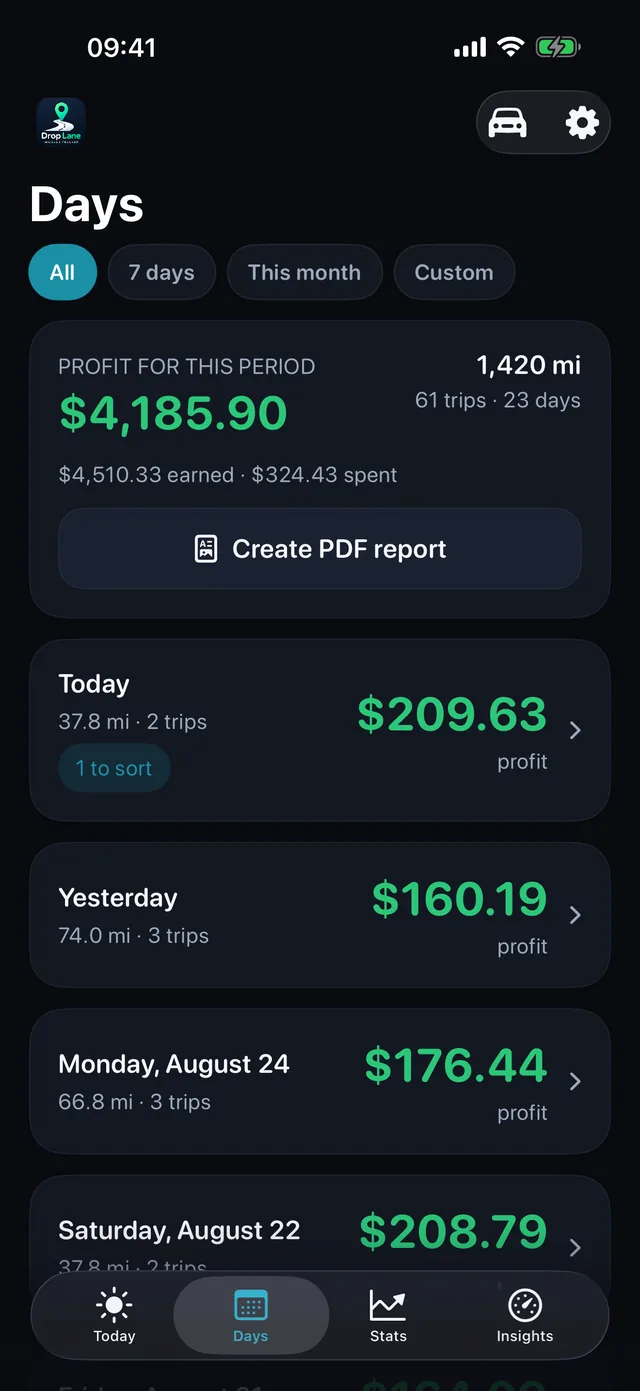
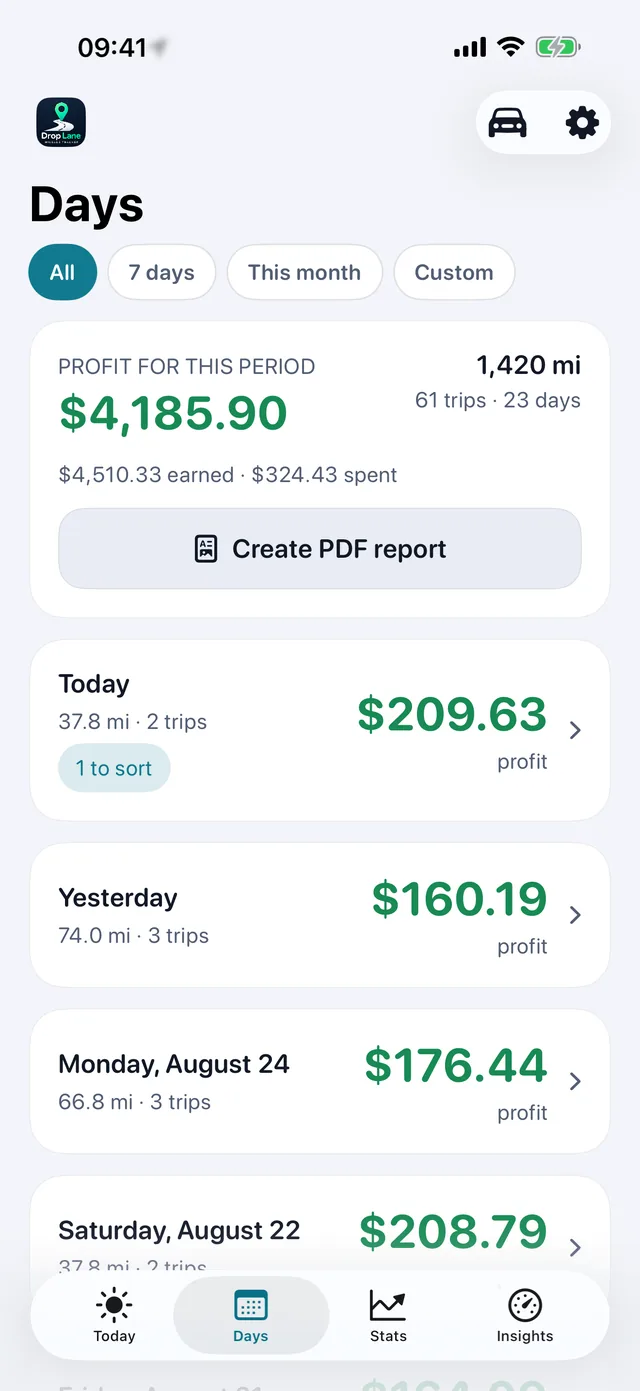
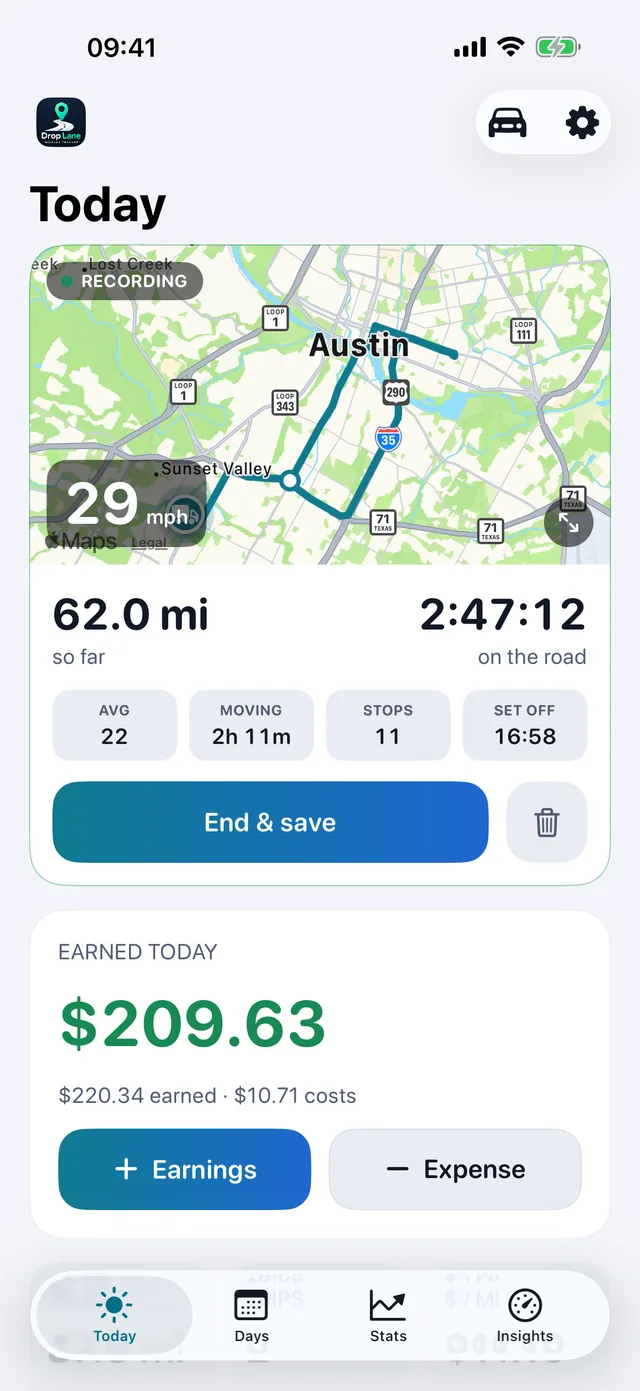
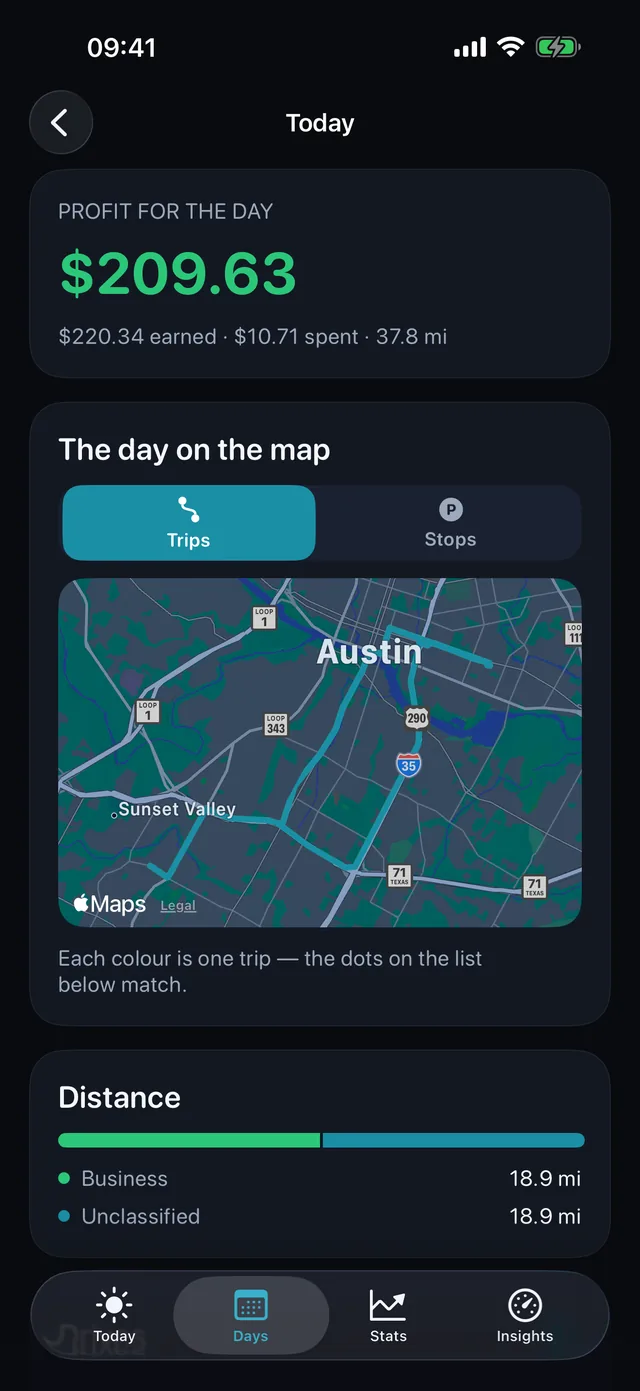
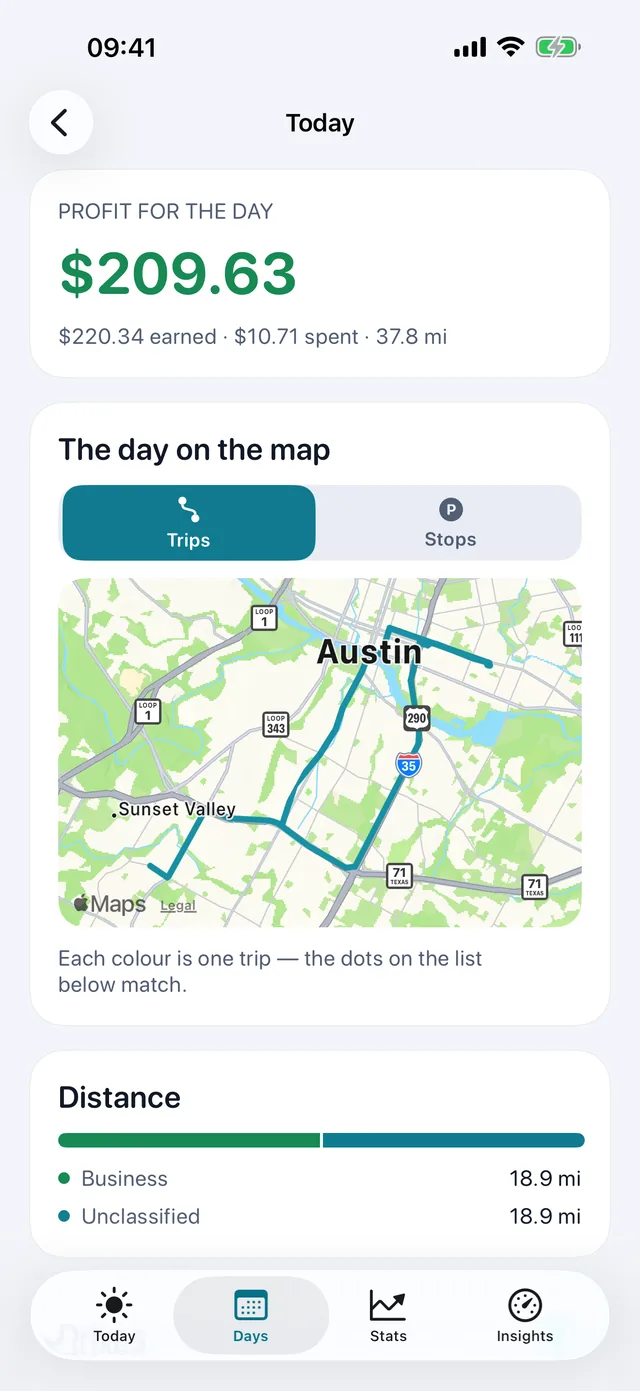
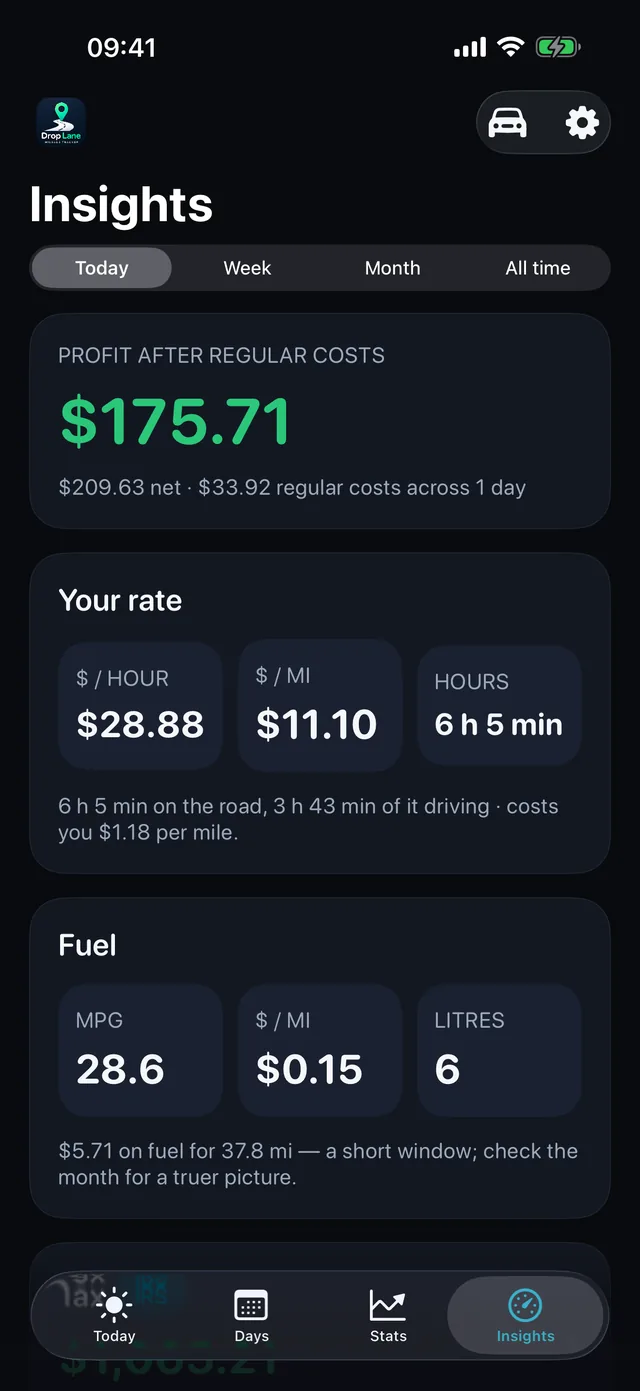
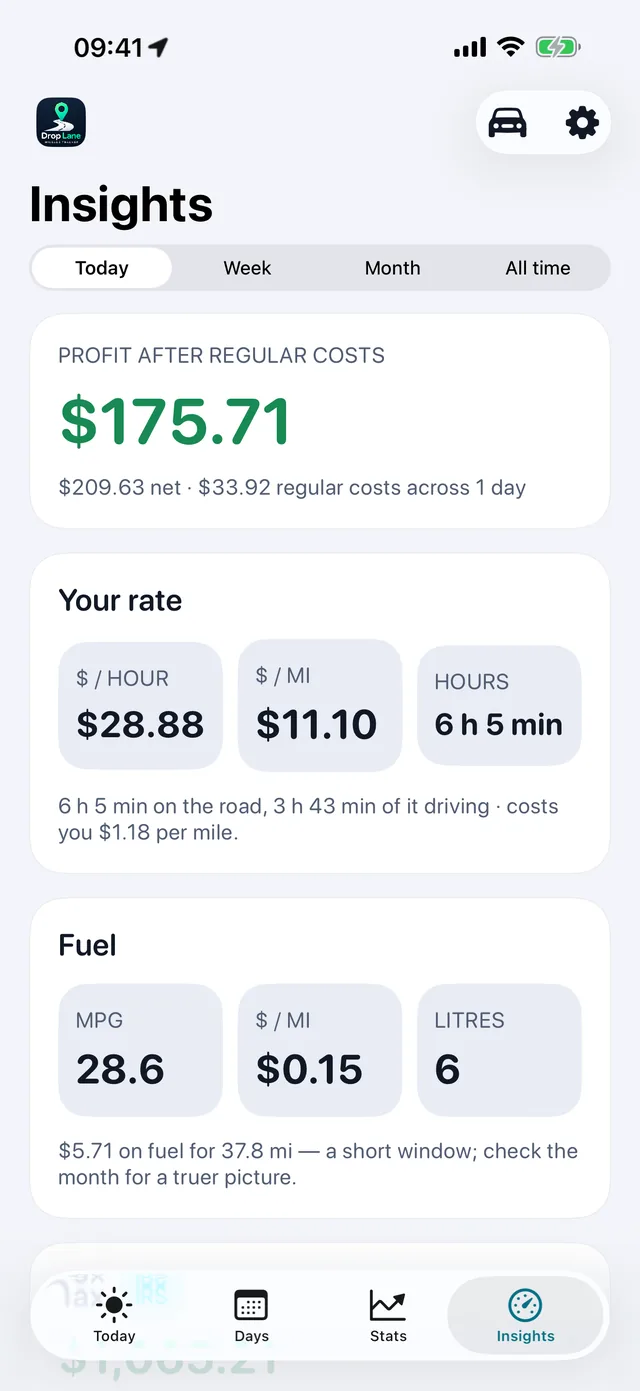
Mileage trackers tell you how far you drove. DropLane tells you whether the day was worth it.
From the App Store
Just found this app in the store. Fantastic app for me as a self employed courier. Tells me exactly how much I've really earnt per job. I like how its linked to maps
Two days. More miles. Less money.
Tuesday
75.5 miles
$145.29kept
Yesterday
46.4 miles
$163.99kept
29 miles more. $18.70 less.
Driving more doesn't always mean earning more.
Miles tell you how far you drove. DropLane tells you whether it was worth it.
Three steps, and only one is yours
There is no start button in DropLane, on purpose. Nobody remembers to press one at six in the morning with a van full of packages.
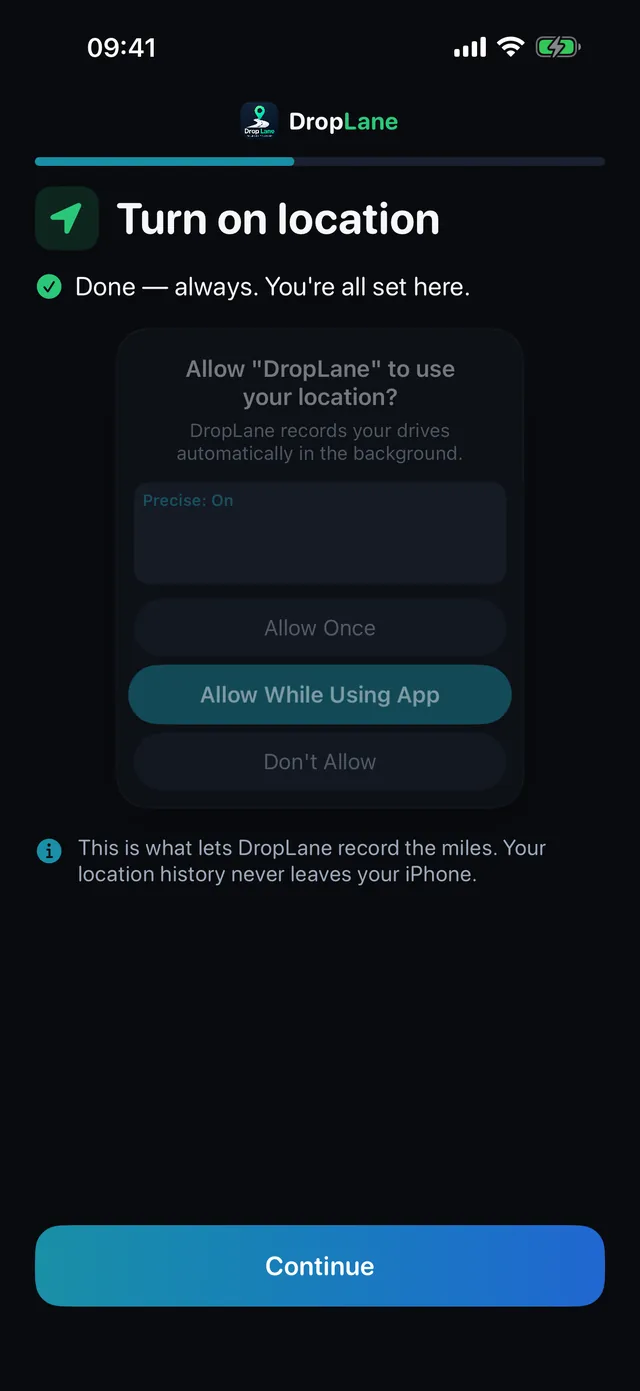
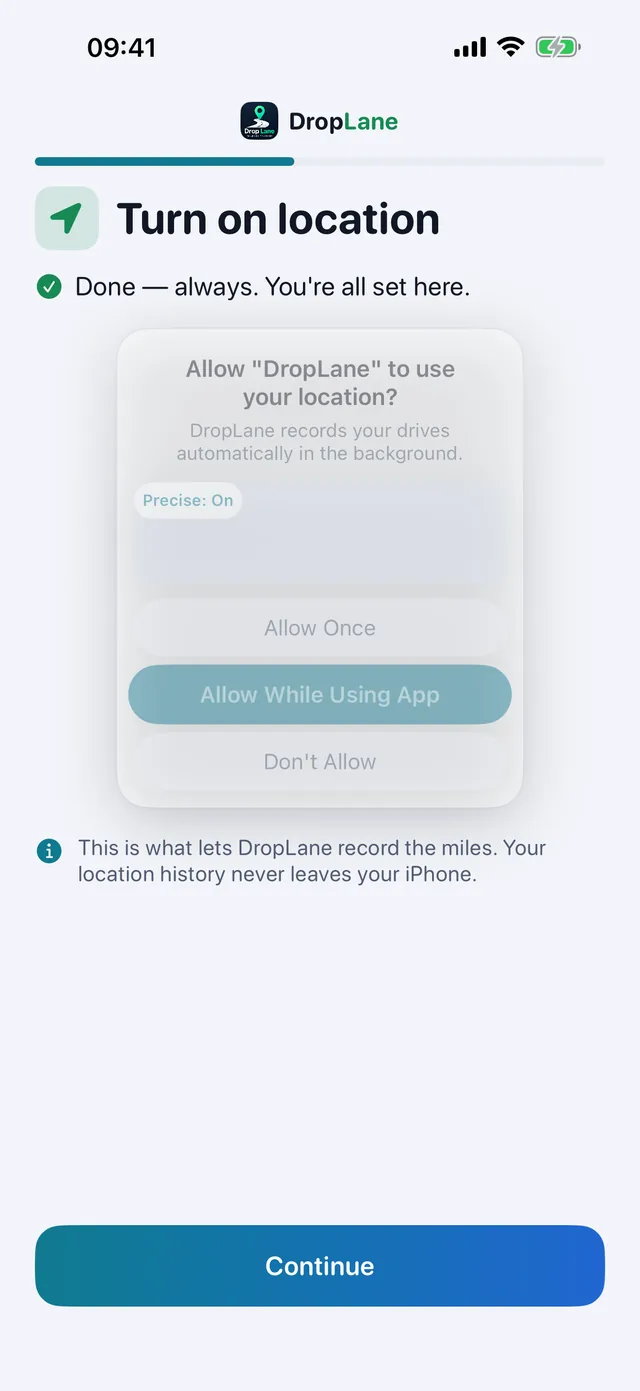
Turn it on once
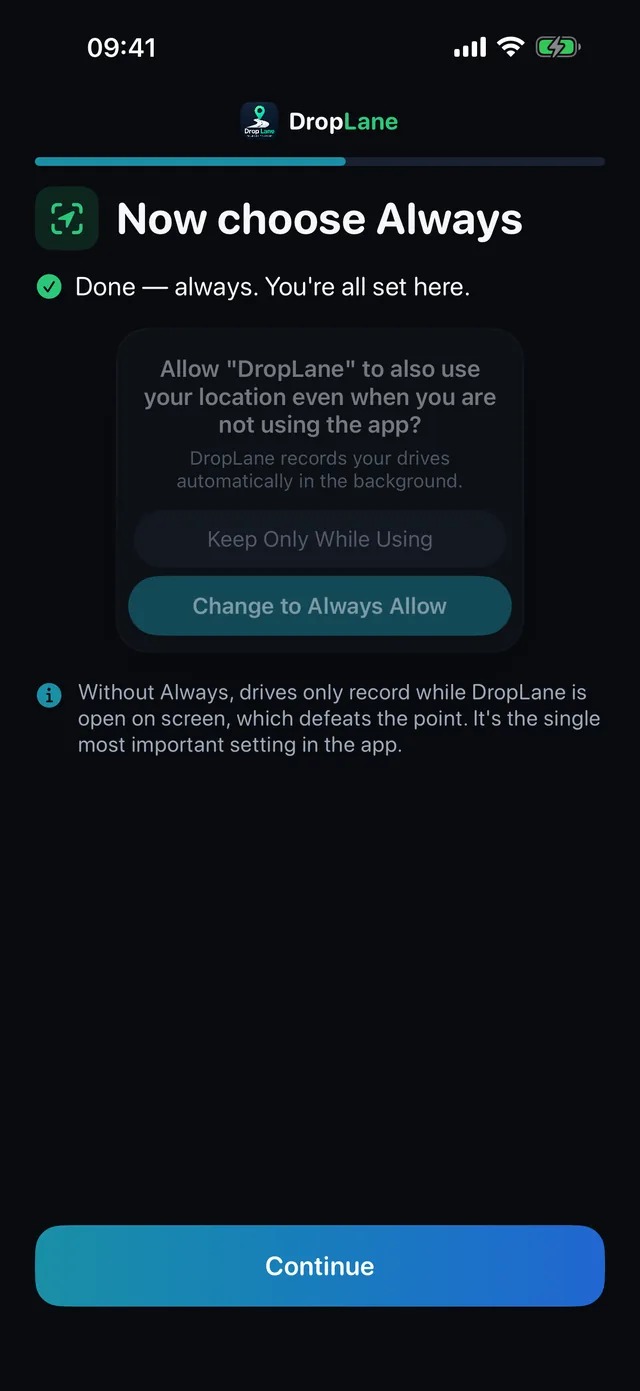
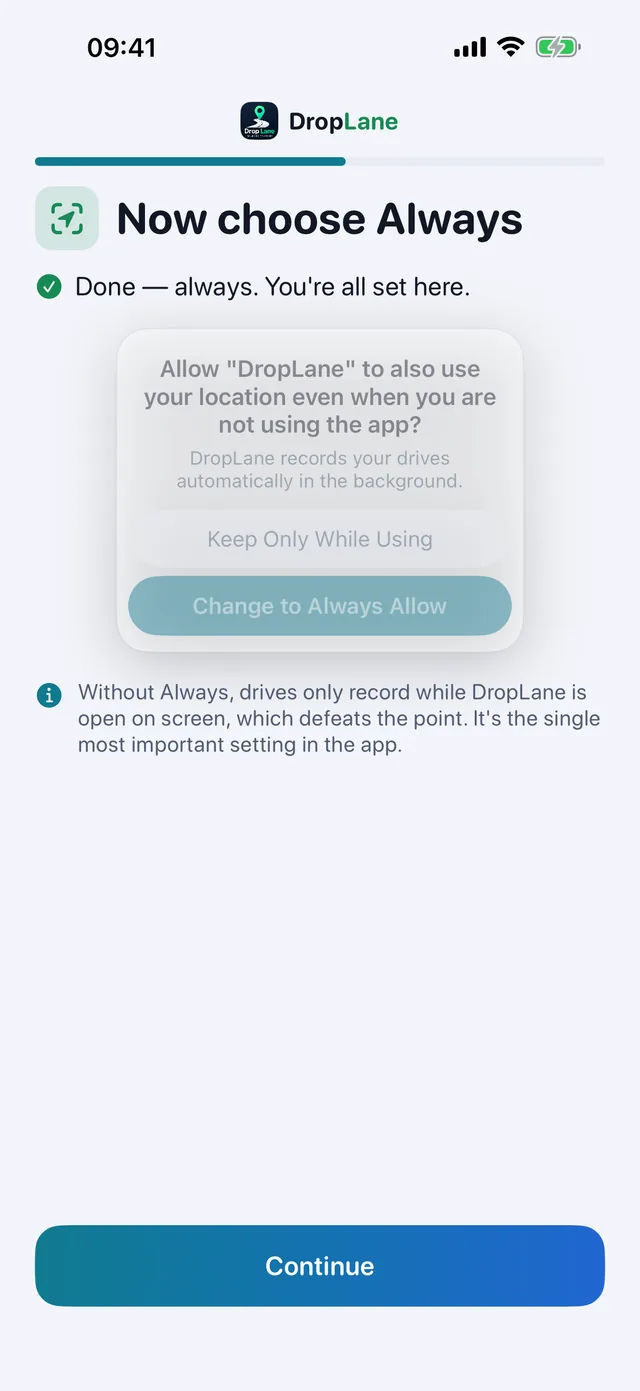
Install the app and allow location in the background. That's the last bit of setup there is.
Drive
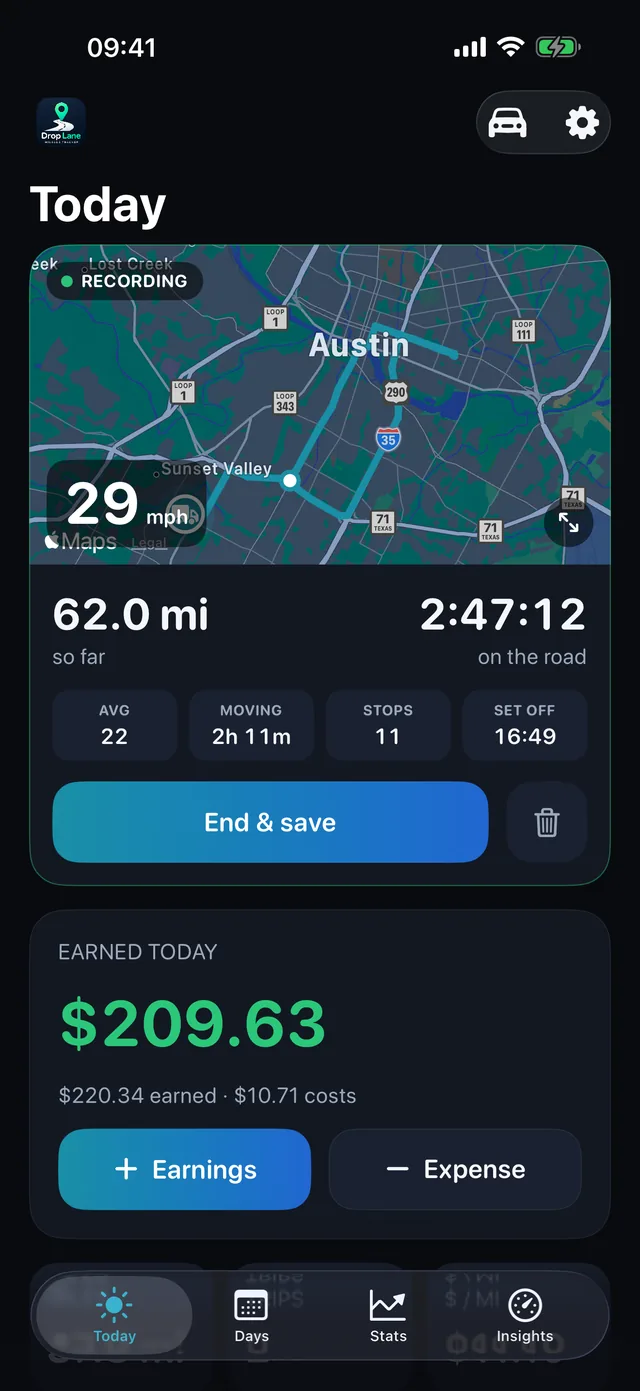
Every drive saves itself, with the route, the stops, and how long you were at each one.
Pick its type with one tap
Business, empty, on the way to a pickup, or personal. The totals and the mileage claim follow on their own.
See how setup works
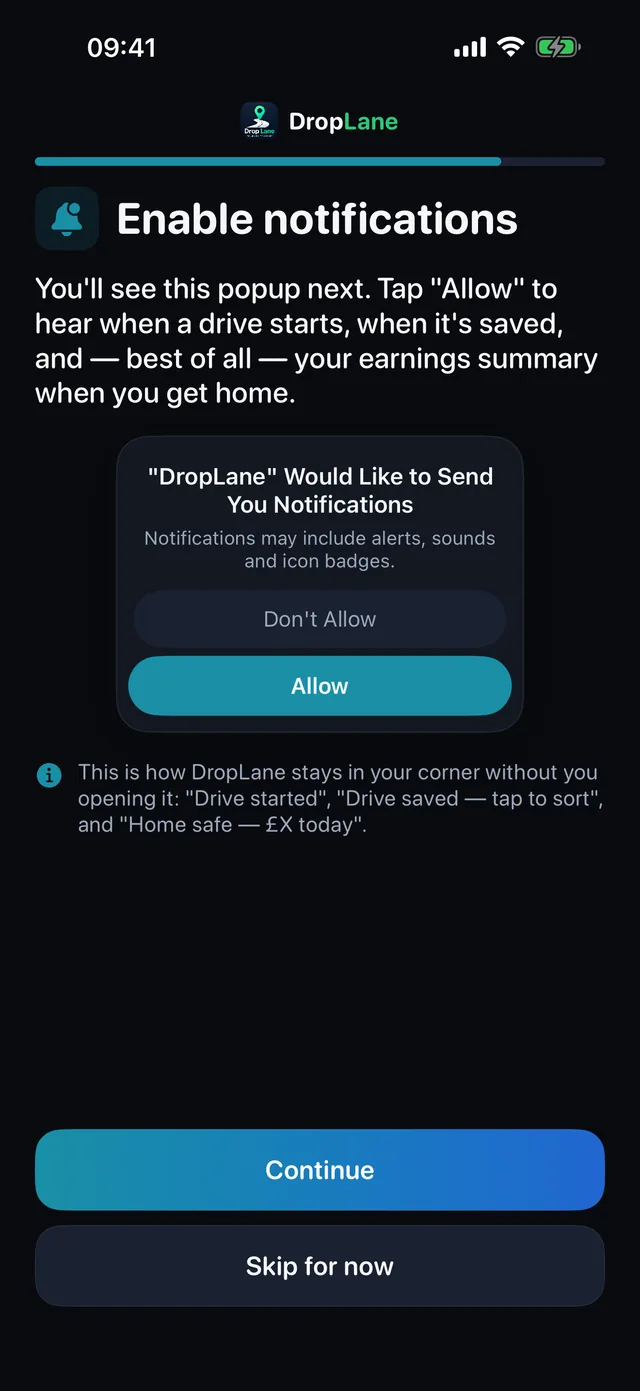
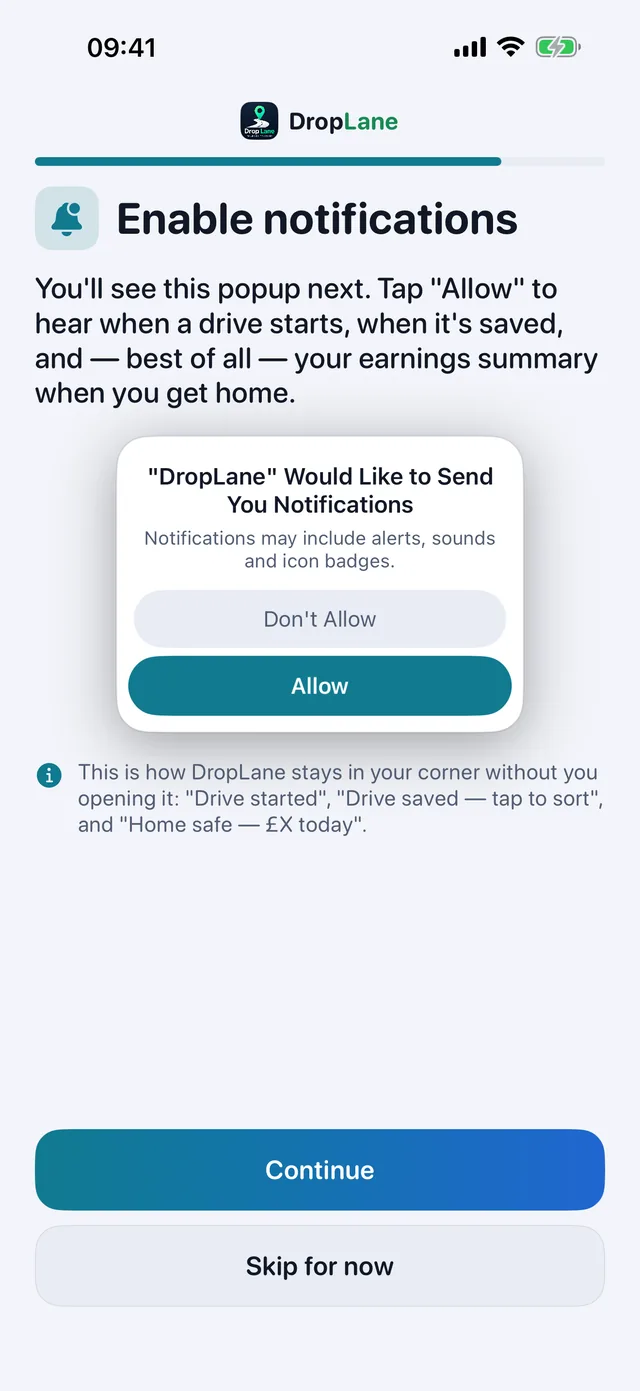
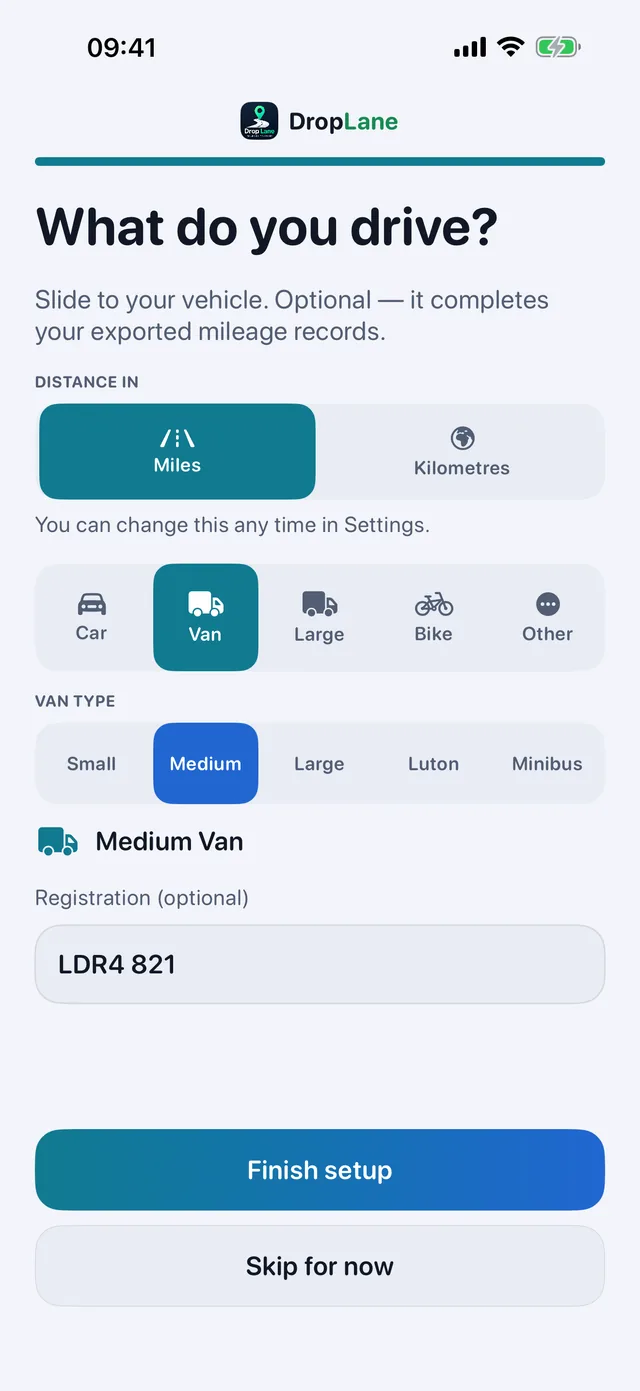
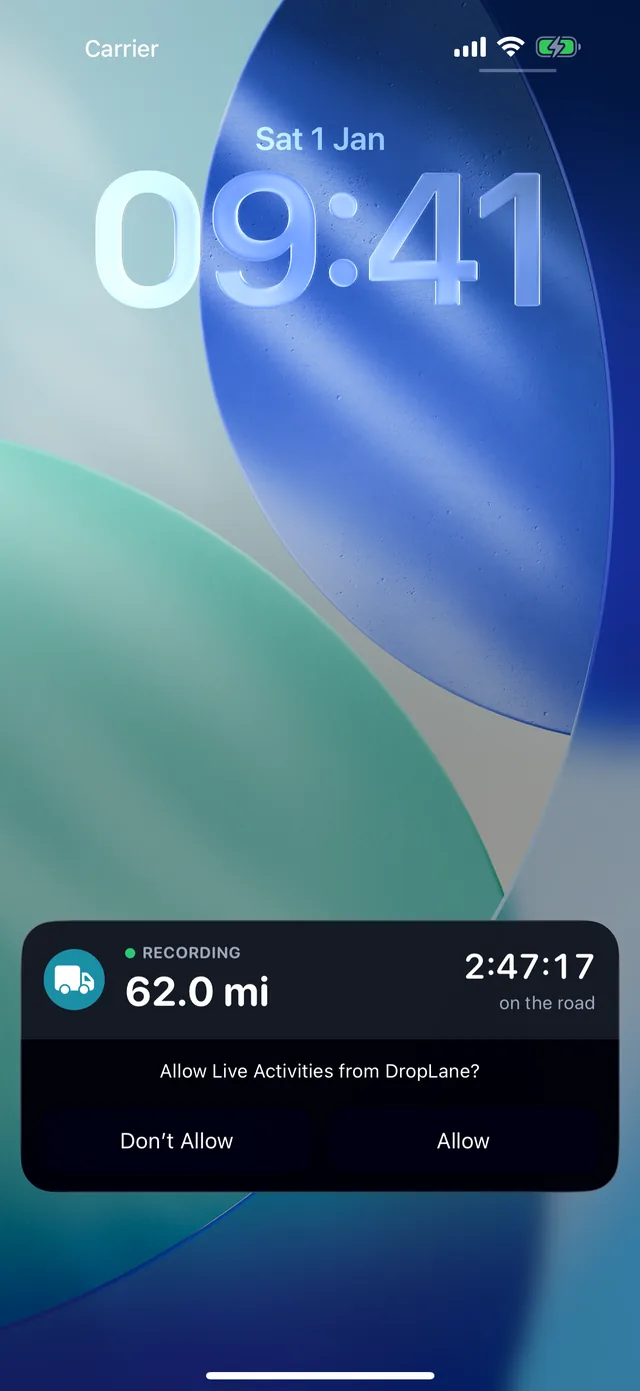
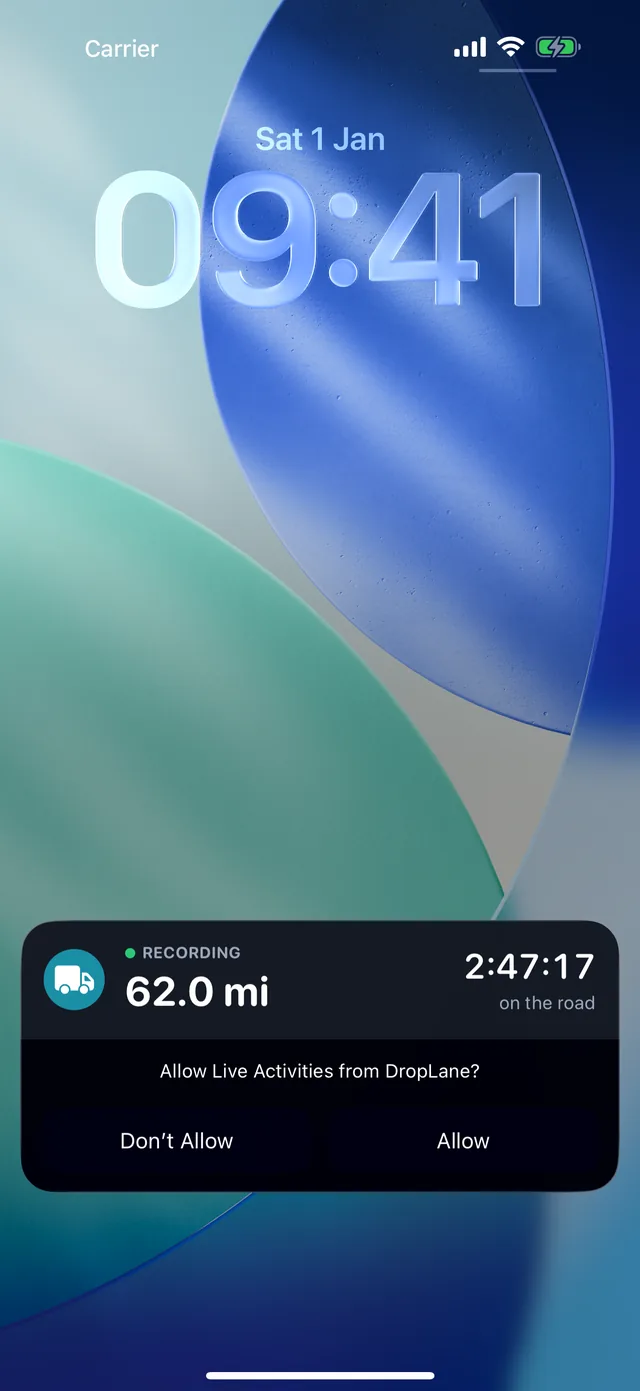
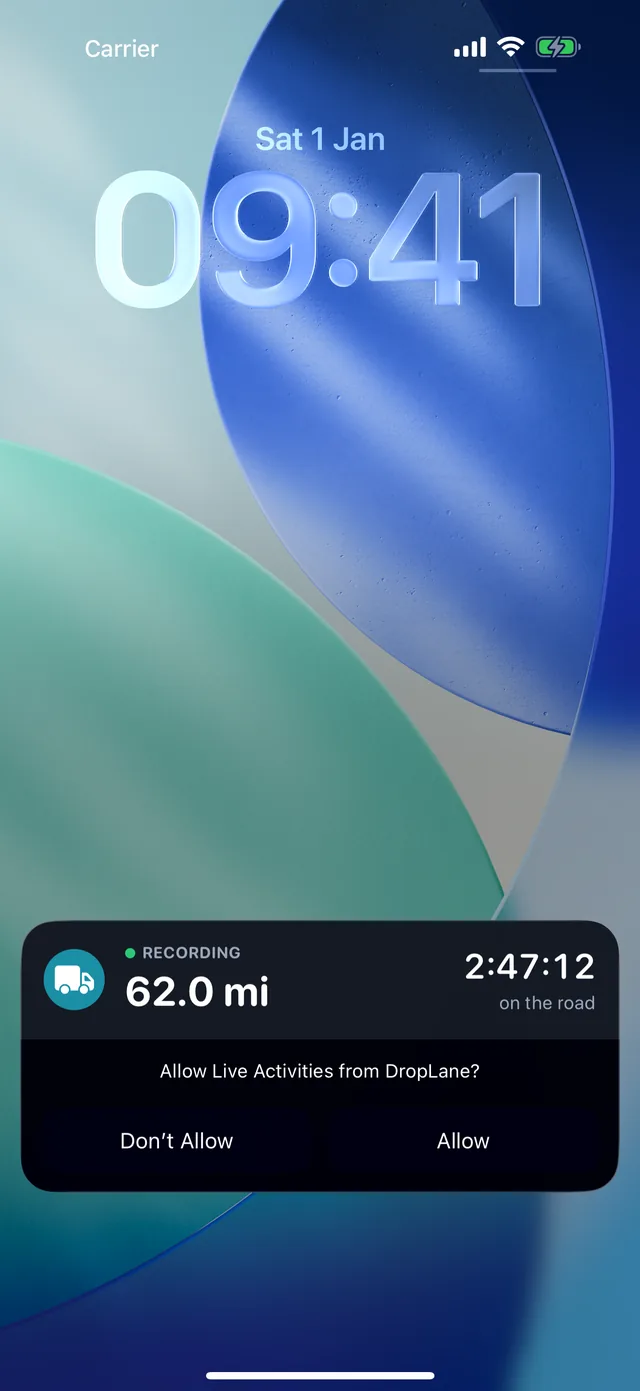
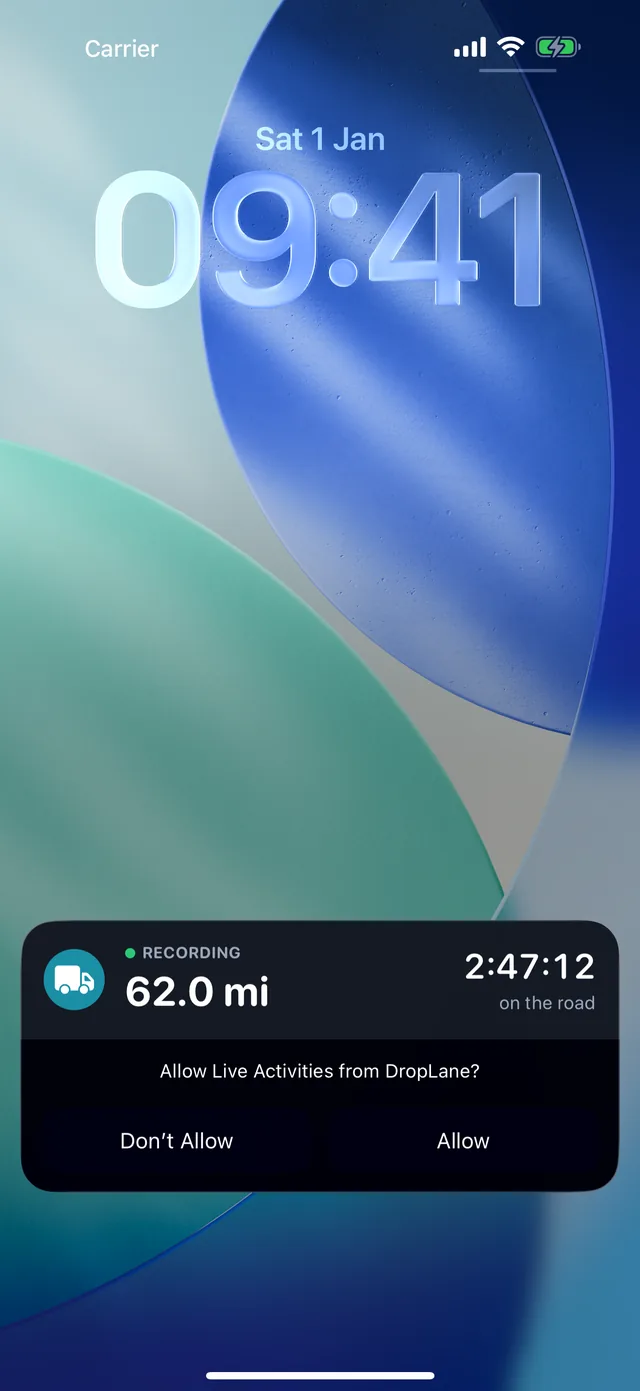
Notifications
“Always” lets drives record with the app closed.
While you're driving, a Live Activity keeps the miles climbing on the lock screen — so you can see the drive being recorded without unlocking anything.
What you get back
Made for the job as it really is, by someone who does it.
Know your real profit
Income minus gas and costs, per day, week and month.
Know your real hourly rate
See which days and jobs actually pay, once gas, financing and insurance are spread across the days you work.
Records ready when you need them
Trips, mileage and a PDF for your accountant, with the IRS mileage rate built in.
It also looks after the van: service, tires and repairs logged with the receipt photo, a reminder before the inspection is due, service reminders that count down in miles, and gas-card costs worked out on the day you fill up. And it speaks 46 languages, with the money in your currency.
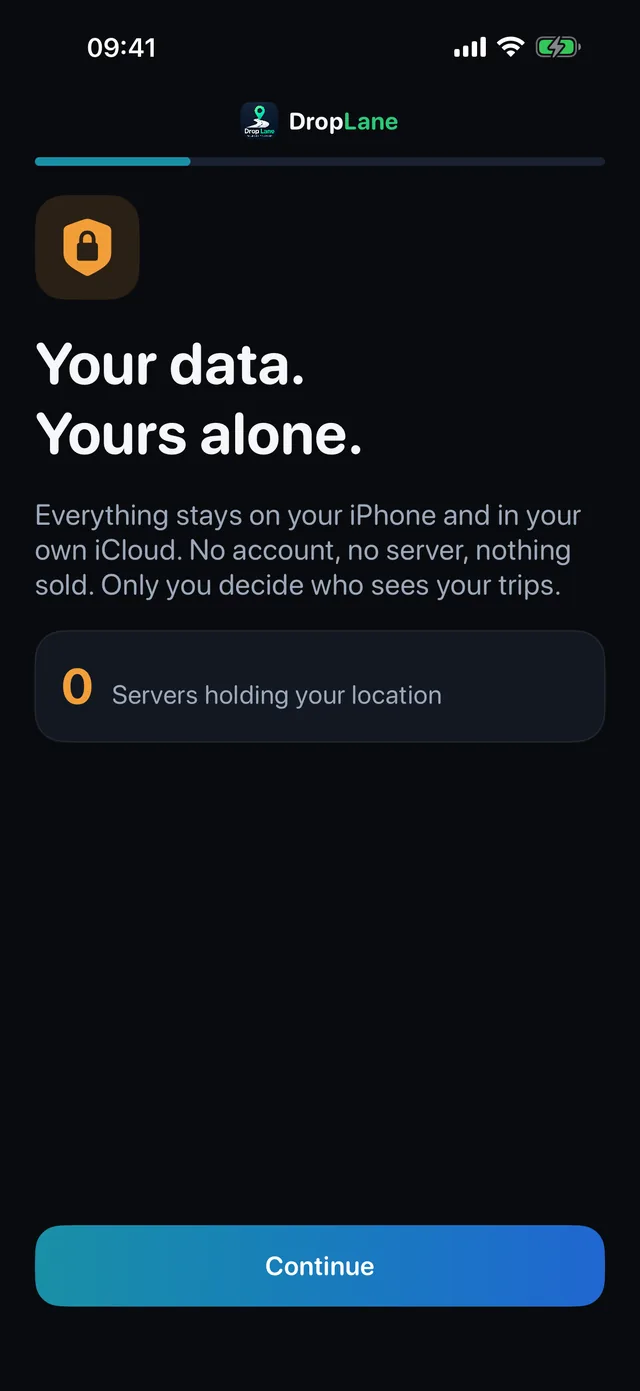
Your data. Yours alone.
Your location stays on your iPhone and your own iCloud. No account, no server, nothing sold. Only you decide who sees your trips.
0Servers holding your location
- Your location is what lets DropLane record the miles, and it goes no further than your iPhone and your own iCloud.
- iCloud backup and restore, no account needed
- Export CSV for your records
One price, everything in it
Fourteen days free. Cancel before the trial ends and you pay nothing. Every feature is there from day one — no higher tier, no add-ons.
Yearly
$49.99
a year, billed once a year
- Every feature, no add-ons
- Save $33.89 a year — 40% cheaper
- Equivalent to $4.17 a month
Monthly
$6.99
a month, cancel anytime
- Every feature, no add-ons
- 14 days free first
Billed by Apple through the App Store and canceled in your iPhone's Settings like any other subscription. Cancel before the fourteen days are up and nothing is charged. Outside the US, the App Store shows the price for your own country.
Questions drivers actually ask
Straight answers, from someone who does the job.
Do I have to press start?
No — and there's no button to press. That's the whole point. If you have to remember, you'll forget on the day it matters.
Will my route history end up somewhere?
No. There's no account and no server. Everything lives on your iPhone, and backs up only to your own iCloud if you want it to.
I drive a bike, not a van.
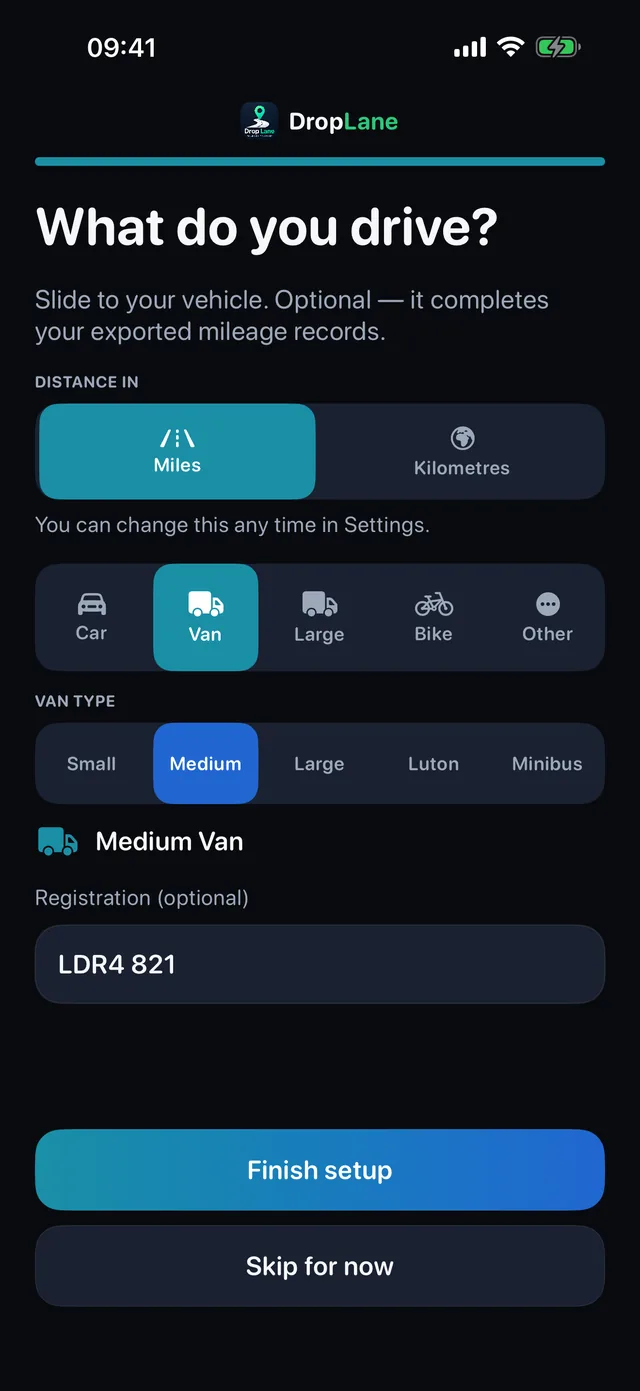
That works. Cargo-bike miles are recorded the same way. The built-in mileage rates are for motor vehicles, though, so what a bike can claim depends on your country and your circumstances — worth asking an accountant.
Does it work where there's no signal?
Yes. Recording runs off your iPhone's own GPS and needs no internet at all. Drives recorded with no signal come back labeled “Start” and “End” instead of street names, and DropLane fills those in the next time it sees Wi-Fi. A week on back roads with no bars still adds up right.
What if I stop paying — do I lose my records?
Nothing is deleted, and the app keeps recording. Your drives stay on the iPhone and in your own iCloud, and the miles you drive in the meantime are waiting when you come back. What locks is the reading side: Today, Days, Stats, Insights, the PDF and the CSV export stay shut until you subscribe again. If you want the figures somewhere else, export the CSV before the subscription ends — it's in Settings, and it's one tap.
Stop guessing what the day made.
Fourteen days free, no account, and nothing to remember at six in the morning.
Start 14 days free